


In modern architecture, visualization is the key to great design. Before any construction begins, both architects and clients want to clearly see how the final structure will look. This is where 3D elevations in architecture design play a vital role.
A 3D elevation is a realistic three-dimensional view of a building’s exterior. It helps visualize the design, colors, textures, proportions, and materials before construction starts. Whether it’s a house, office, or commercial project, 3D elevations help turn imagination into visual reality, ensuring accuracy, beauty, and functionality.
What is a 3D Elevation in Architecture?
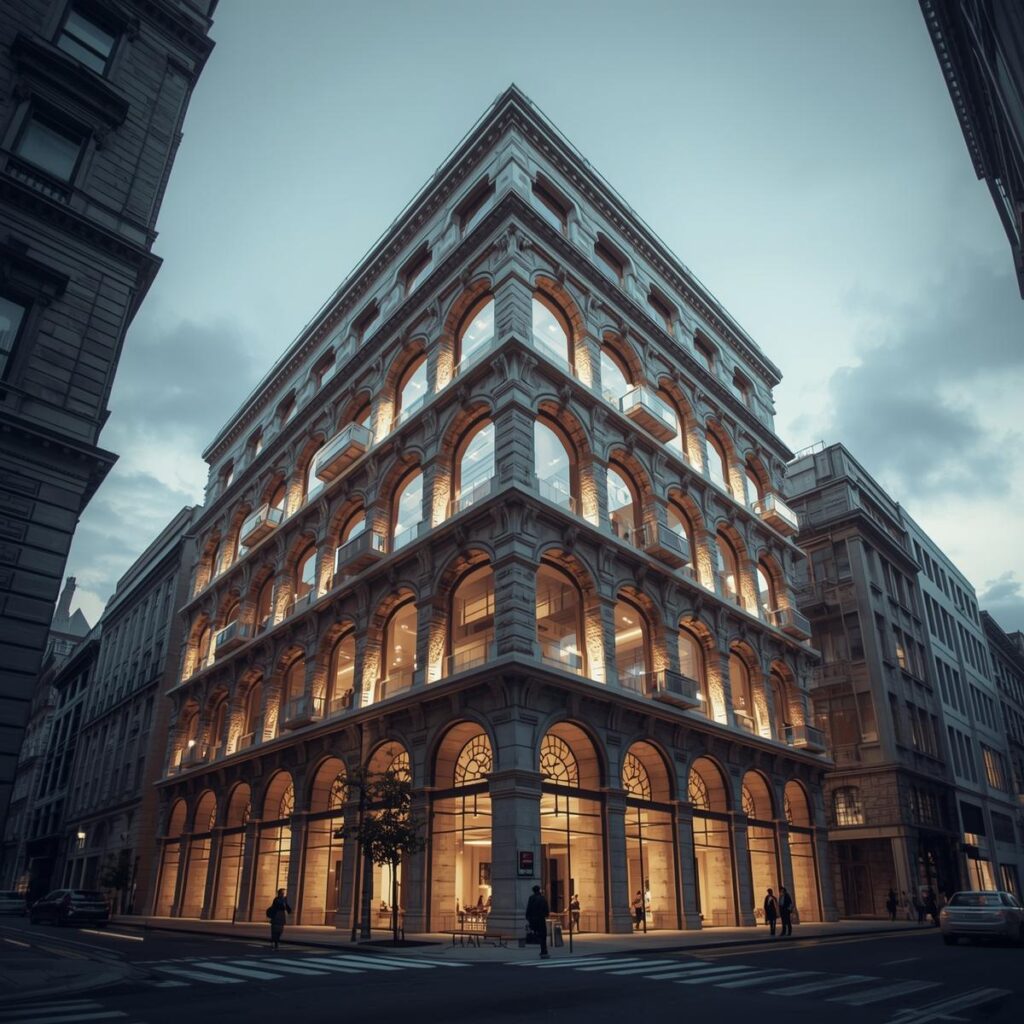
A 3D elevation is a digital representation of a building’s exterior from different angles — front, side, or rear — showing height, depth, and width. It gives a realistic preview of the finished structure, allowing architects and clients to explore every visual detail.
Using 3D elevation software, designers create lifelike views that show the exterior design, wall textures, doors, windows, balconies, roof shapes, and lighting effects. This helps clients easily understand how their project will look once completed, unlike 2D blueprints which are more technical and harder to visualize.
Types of 3D Elevations in Architecture Design
1. Front Elevation
The front elevation shows the building as viewed from the front. It highlights the main entrance, balcony, gate, and façade design. This is usually the most important view, as it creates the first impression of the structure.
2. Rear Elevation
The rear elevation shows the building’s back view. It may include back doors, gardens, service areas, or utility spaces that are not visible from the front.
3. Side Elevation
A side elevation shows how the building appears from the left or right side. It focuses on wall design, window placement, ventilation, and side balconies.
4. Interior Elevation
While exterior elevations focus on the outside look, interior 3D elevations show how the inside of a building will look — including wall colors, furniture arrangement, ceiling design, and lighting effects.
Each of these elevations helps ensure that the architectural design is complete and visually balanced from every direction.
Why 3D Elevations are Important in Architecture Design
3D elevations are more than just visuals — they are essential tools in architectural planning and communication. Let’s understand their major benefits in detail.
1. Realistic Visualization
The most valuable benefit of 3D elevations is realistic visualization. Clients no longer have to imagine how their house or building will look; they can actually see it in a 3D model.
From wall textures to roofing patterns, window shapes to paint colors — everything is displayed in a photorealistic way. This helps clients make confident decisions and ensures that the final construction matches their expectations.
2. Clear Communication Between Architect and Client
One of the biggest challenges in architecture is communication. Many clients find it hard to understand flat 2D plans. But with 3D elevation design, the architect can show exactly how the project will look, making communication clear and simple.
Clients can easily share feedback, request modifications, or compare design options — all before the building process begins. This saves time, avoids misunderstandings, and strengthens trust.
3. Accuracy and Detailing
3D elevation tools allow architects to design with precise measurements and proportions. Every detail — from wall height to window placement — can be viewed, edited, and approved in a realistic model.
This high level of accuracy minimizes construction errors, ensures proper alignment, and maintains the overall design intent. The result is a well-planned, well-executed building.
4. Cost and Time Efficiency
Construction changes made after work begins can be expensive. 3D elevations prevent such issues by allowing all design decisions to be finalized digitally first.
When both client and architect agree on a 3D elevation, the execution phase becomes smoother, faster, and more cost-effective. Material usage is optimized, and chances of rework are greatly reduced.
5. Flexibility to Experiment with Designs
With 3D elevation software, architects can experiment freely with multiple styles — modern, traditional, contemporary, or luxury. Clients can instantly compare various color schemes, textures, and materials.
For example, you can see how your home looks with white paint versus a brick finish or compare two types of balcony railing designs. This design flexibility allows for creativity and innovation in every project.
6. Powerful Presentation and Marketing Tool
For builders, developers, and real estate firms, 3D elevations are essential marketing tools. A visually attractive 3D elevation helps promote projects online, in brochures, or through advertisements.
Potential buyers can visualize the final property in detail, making them more confident about their investment. This increases sales appeal and brand value.
7. Better Lighting and Environmental Planning
3D elevations also simulate natural lighting and shadow patterns. Architects can analyze how sunlight interacts with the building during different times of the day.
This helps in deciding window placements, shade areas, and energy-efficient design solutions. It also allows designers to plan for the best natural ventilation and comfort.
8. Alignment with Vastu and Functional Design
For many Indian clients, Vastu Shastra plays a key role in architecture. Through 3D elevations, architects can show how the design aligns with Vastu guidelines — such as correct entrance direction, natural light flow, and placement of rooms.
It ensures the home is not just aesthetically pleasing but also harmonious and positive in energy.
Tools Used to Create 3D Elevations
Modern architecture relies on advanced digital tools to create detailed and realistic 3D models. Here are some popular software used by professionals:
Autodesk Revit
A powerful Building Information Modeling (BIM) tool that allows architects to create accurate 3D models with precise measurements, material data, and realistic rendering.
SketchUp
SketchUp is known for its simplicity and speed. It’s perfect for conceptual modeling, helping architects quickly visualize ideas and share them with clients.
3ds Max with V-Ray
This combination is used for high-quality photorealistic rendering. It’s widely used in professional presentations and architectural animations.
Lumion / Enscape / Twinmotion
These tools create real-time 3D renderings and walkthrough videos. They help clients experience the design as if walking inside or around the future building.
AutoCAD Architecture
A classic and versatile software for creating 2D and 3D architectural plans, ensuring precision in design and documentation.
Each of these tools helps architects create professional-quality 3D elevations that are visually rich and technically sound.
3D Elevation Designs for Different Styles
Every building style has its own character, and 3D elevations help showcase that personality clearly.
Modern Style
Modern designs feature flat roofs, large glass windows, and minimalistic detailing. The focus is on simplicity, geometry, and clean lines.
Traditional Style
Traditional Indian architecture includes decorative elements, arches, and heritage patterns inspired by local culture and materials.
Contemporary Style
This style blends traditional and modern design — using unique materials, asymmetrical shapes, and innovative lighting.
Luxury / Villa Design
Luxury elevations use premium materials, designer lighting, wide balconies, and lush landscaping to give a grand appearance.
Commercial Elevations
Offices, malls, and hospitals use 3D elevations to highlight branding, symmetry, and functionality. The design focuses on accessibility and professional appeal.
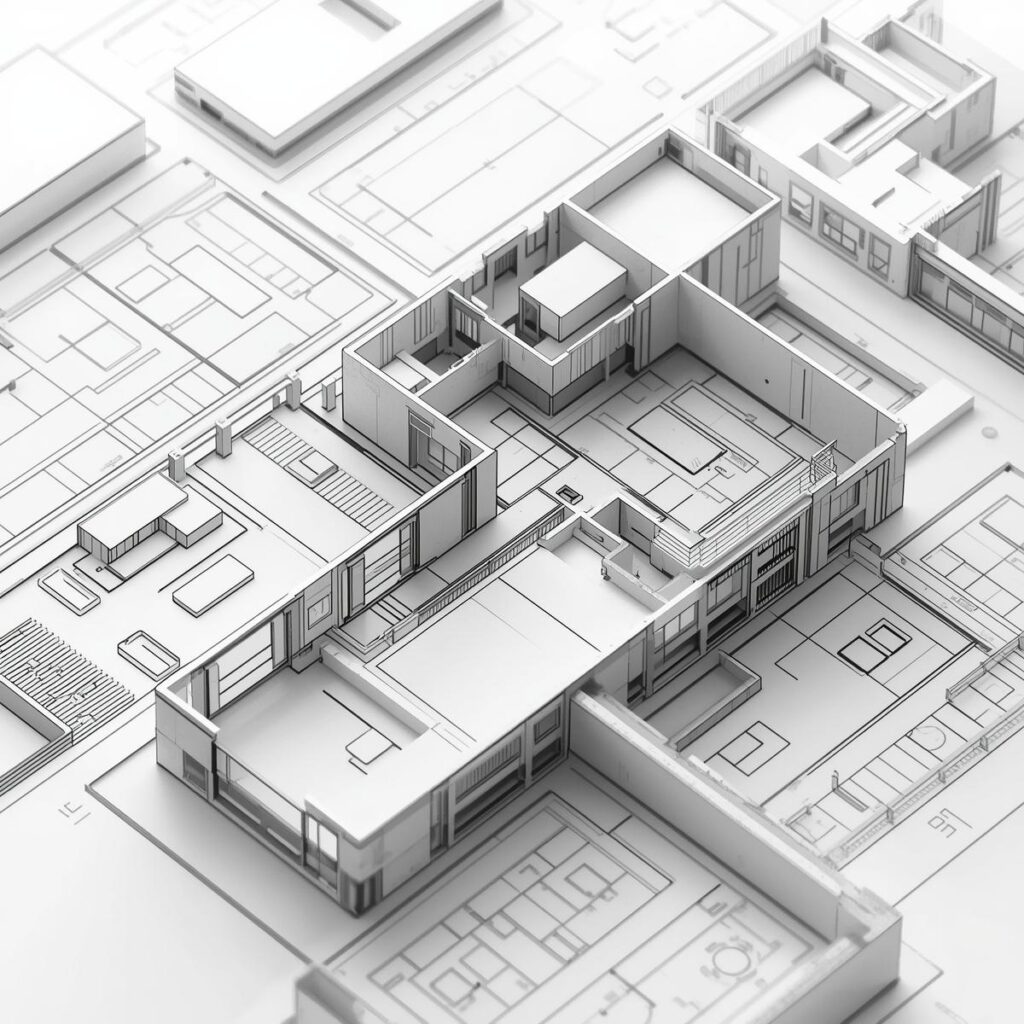
3D Elevation vs 2D Drawing – What’s the Difference?
Feature | 2D Drawings | 3D Elevations |
Visualization | Technical and flat | Realistic and life-like |
Understanding | Difficult for clients | Easy to interpret |
Design Clarity | Limited details | Complete visual clarity |
Communication | Needs explanation | Self-explanatory visuals |
Presentation | Basic layouts | Attractive, photo-like images |
In short, 3D elevations bring clarity and confidence, while 2D drawings provide technical accuracy. Together, they make a complete architectural design package.
Advantages of 3D Elevations for Homeowners
For homeowners, 3D elevations are a huge advantage because they provide peace of mind and excitement before construction begins.
- You can see your dream home before it’s built.
- You can easily choose colors, tiles, and materials.
- You can avoid surprises or disappointments later.
- You can discuss and finalize designs confidently.
You save time, money, and effort in the construction process.
Advantages for Architects and Builders
3D elevation design also benefits professionals by simplifying workflow and improving presentation quality.
- Helps in quick client approvals.
- Reduces revisions and misunderstandings.
- Enhances marketing visuals and brand reputation.
- Improves accuracy and project planning.
- Boosts customer satisfaction and trust.
Future of 3D Elevation Design
The future of 3D elevation design is exciting and technology-driven. With Artificial Intelligence (AI) and Virtual Reality (VR), architects can now create fully immersive design experiences.
Clients can virtually walk through their unbuilt homes using VR headsets or mobile AR apps. These technologies make the design process faster, smarter, and more interactive, ensuring every building is optimized for comfort, efficiency, and aesthetics.
The importance of 3D elevations in architecture design lies in their power to bridge imagination and reality. They are not just design visuals — they are communication tools that ensure every project is accurate, efficient, and visually stunning.
By using 3D elevations, architects can plan better, clients can visualize better, and builders can construct better. It’s the perfect blend of creativity, technology, and practicality that defines modern architecture.